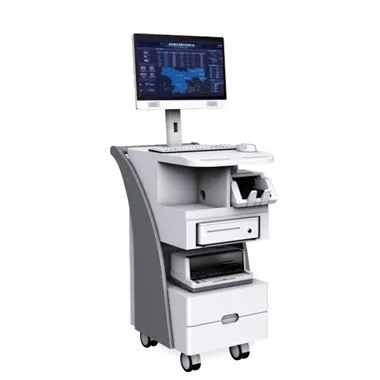
Since the introduction of Industry 4.0 smart manufacturing, touch displays have been used more and more widely in industry, and touch displays will also have some failures during use, such as switch failure. What causes the display switch failure? Let's take a look together.
The touch monitor switch does not work
There are usually four reasons for the failure of the touch display switch:
1. The switch button of the touch display has not been operated for a long time, and its internal contacts are oxidized, resulting in excessive contact resistance;
2. The touch display switch has poor contact caused by solder joints or loose connections or loose connectors;
3. The inside of the touch display button or the button board is stained, and there is a leakage point;
4. There is an error in the control program inside the touch display.
What should I do if the touch monitor switch fails? The editor recommends that you try to repeatedly press the failed switch button several times (be careful not to use too much force) to make the switch contacts move frequently, promote the wear of the oxide layer, and improve the contact. If it still doesn't work, you need to find a professional person to solve it. In addition, the touch display also needs to be calibrated. There are two specific situations that need to be calibrated:
①. Calibration is required when the resolution of the industrial touch monitor is changed or replaced. The monitor sizes of different brands and models are obviously different, corresponding to different optimal resolutions. When the resolution is changed, the displayed image will be stretched horizontally or vertically, so that the touch screen coordinates do not correspond to the program coordinates, and calibration is required at this time. ②. Replace the host computer, the relative position of the touch screen and the display has not changed. However, after the computer host is replaced, the coordinates of the corresponding program cannot be guaranteed to be consistent with the original host. In this case, the touch display also needs to be calibrated.