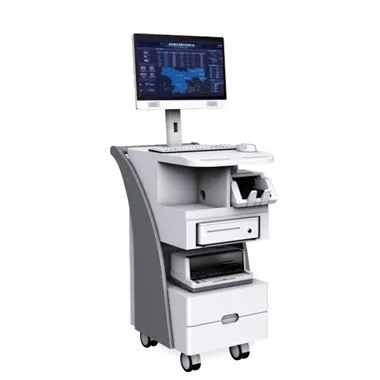
Il touch screen è un tipo di schermo utilizzato nell'industria. È comunemente usato nei tablet industriali e nei display industriali. La sua configurazione delle prestazioni è più stabile rispetto ai computer commerciali e può adattarsi a più ambienti. Come comodo mezzo di comando, i touch screen Cosa devo fare in caso di malfunzionamento? Come evitare il verificarsi di guasti al touch screen?
1. Resistive screen
The resistive screen uses pressure sensing to determine the touch position, so it cannot be pressed on the industrial tablet by other objects, and the display casing must also be careful not to press the touch area.
Two, capacitive screen
1. For industrial tablet PCs with capacitive screens, the screen calibration program must be run before the second use. The system automatically stores the calibrated data in the controller, and there is no need to calibrate the screen after restarting the system.
2. During use, if the resolution or display mode of an industrial tablet with a capacitive screen is changed, the touch screen system must be calibrated again.
3. It is not possible to install multiple touch drivers, which will easily cause conflicts during the operation of the industrial tablet computer system, so that the touch screen cannot be used normally.
3. Infrared screen and surface acoustic wave screen
Touch methods such as infrared screens and surface acoustic wave screens require a clean working environment, and the screen of the industrial tablet computer needs to be cleaned regularly, otherwise dust will affect the correct positioning of the touch screen.
Four, other issues
1. The position touched by the finger does not overlap with the mouse arrow
Because the industrial tablet computer does not touch the center position of the bullseye vertically when correcting the position after installing the driver program, just re-calibrate the position.
When performing secondary calibration after installing the driver, pay attention to the details of the error reported by the system. "No control card found", "Touch screen not connected", etc., check the corresponding parts according to the prompts.
2. The touch movement direction is opposite to the cursor movement direction
If the user is operating the touch screen, the direction of touch movement is to the left, but the cursor of the industrial tablet computer is moving to the right, it may be due to the connection of the control box and the touch screen or the left and right positions of the touch screen are reversed, just change the direction. Just change it.
In view of the possible failures of different touch screens, the editor has listed some solutions. At the same time, how to avoid these failures, users should pay attention to some matters when using them to reduce the occurrence of failures.